


 All Programs

A complete guide to artificial intelligence
ChatGPT, generative AI and how to put them to work in your job and your business. Systematically — from your first prompt to earning from the skill. No programming, and you work on your own real tasks.
6 modules · 25 lessons · lifetime access to the recordings · a personal certificate
Average rating of our programmesfrom a survey of 347 students
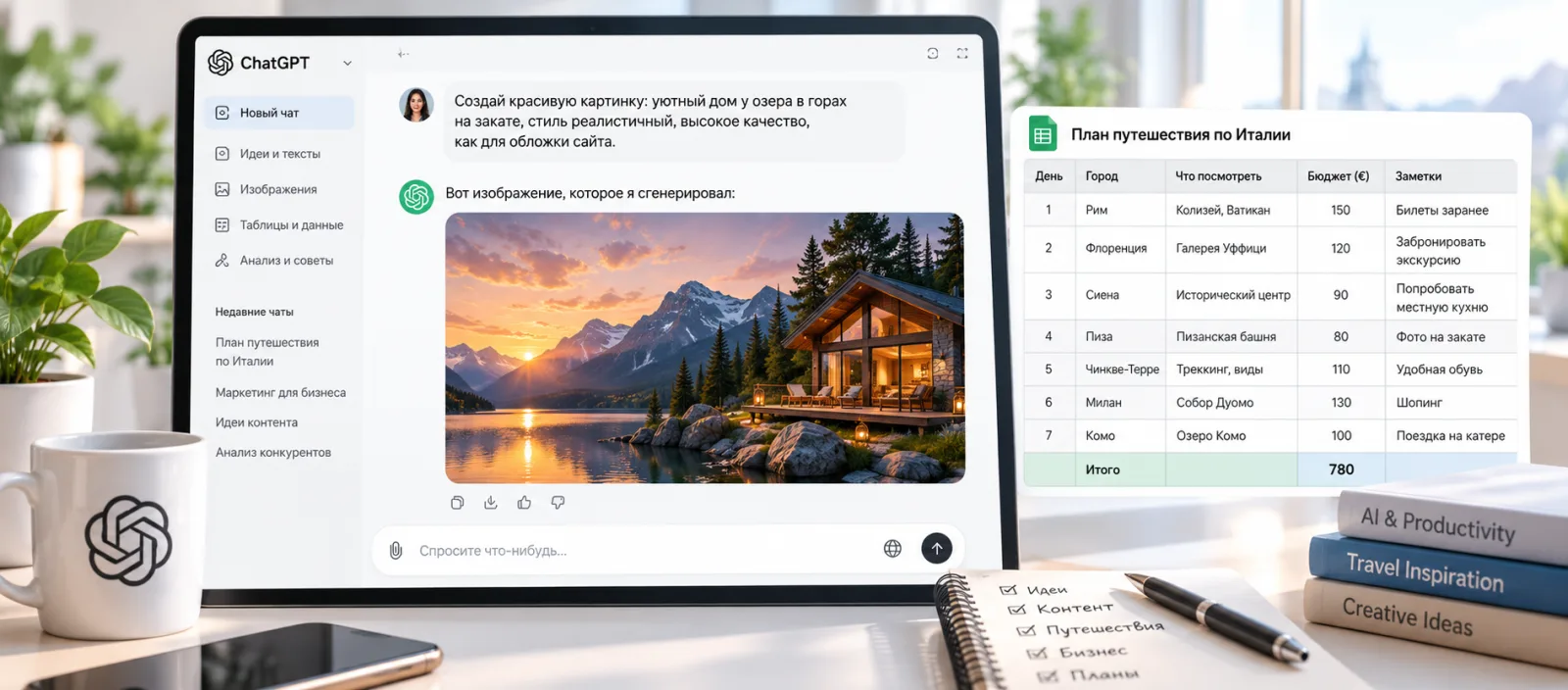
ChatGPTClaudeMidjourneyDALL·EStable DiffusionMaken8nZapierCustom InstructionsMemoryProjectsRAG agentsAPI integrations
Specific skills and tools, not vague talk about the future
Find your own task in the list — the programme is built out of them.
- Write prompts that work first time — with no twentieth follow-up
- Tailor ChatGPT to yourself: Memory, Custom Instructions, Projects
- Pick the right tool for the job: ChatGPT, Claude, Midjourney and others
- Generate images in Midjourney, DALL·E, Stable Diffusion
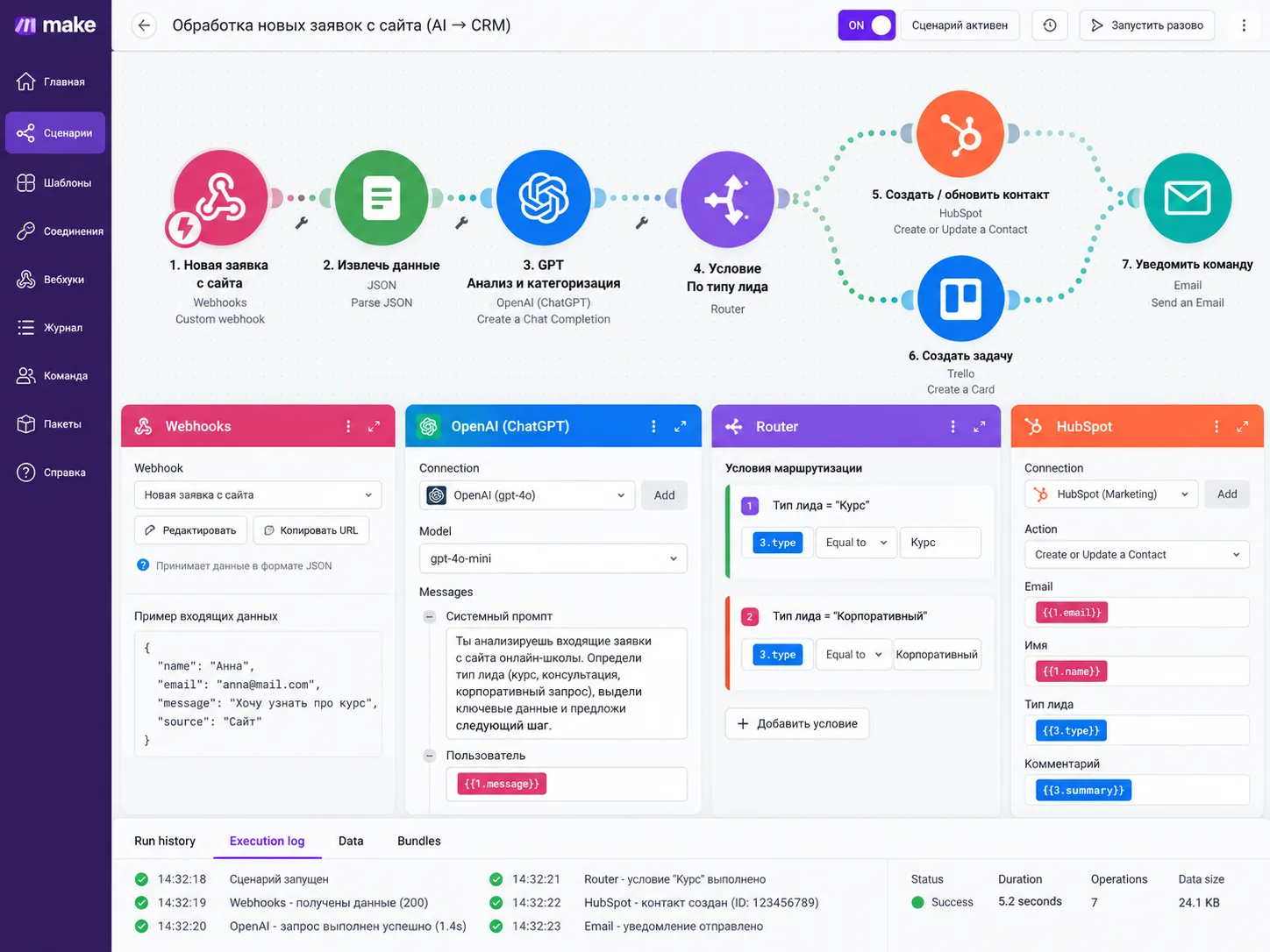
- Build no-code AI agents in Make, n8n and Zapier
- Automate your writing: posts, emails, scripts, briefs
- Work with data and analytics through ChatGPT
- Make presentations and video with AI
- Chain prompts together for complex, multi-step tasks
- Choose AI tools for your niche: design, marketing, HR
- Build AI into your working day as a personal workflow
- Find clients for AI services and launch your own AI product
Prompts that work first time
Prompt engineering as a craft: the quality you need straight away, not after the twentieth follow-up.
Automating the routine
Copy, reports, emails, spreadsheets. The hours you free up each week go to the work that actually pays.
AI images and content
Visual content, concepts and media — from the idea to a finished file in your own style.
No-code AI agents
Simple automations and agent chains on ready-made platforms — without a line of programming.
Earning from the skill
Three routes: freelancing with AI services, your own AI product, or automation built for a business.
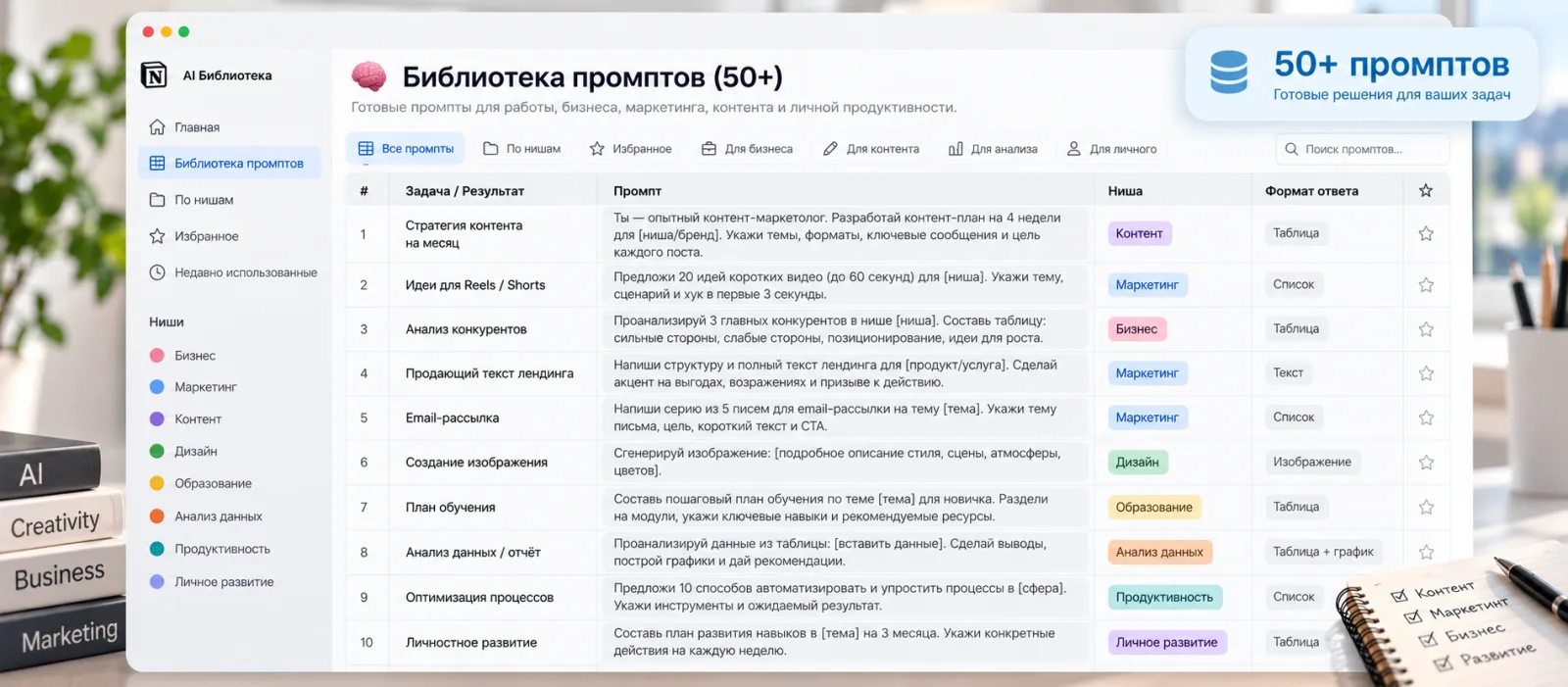
50+ ready-made prompts
A library of tested prompts and templates — take them and use them straight away.
Six scenarios — pick yours
You do the exercises on your own project, so the programme works for a freelancer and a business owner alike.
Do more in less time
AI takes over the routine: copy, emails, spreadsheets, decks. The time you free up goes to billable work.
Automate processes without hiring
AI stands in for an assistant, a copywriter and an analyst on a company’s routine tasks.
Bring AI into your own field
Artists, designers and curators: put AI to work without losing your authorship or your own voice.
From writing code to designing systems
Product managers, analysts and developers: moving on to designing intelligent systems and selling AI services.
Get into AI without an IT background
We start from zero, and your first income comes from freelancing, with a clear set of services to offer.
Higher-value projects, routine automated
Marketers, social media managers, copywriters and producers: more projects and higher fees, through sheer speed.
6 modules, 25 lessons — set out in full
Nothing is hidden: click a module to see its lessons.
01Getting started2 lessons
- How the course works and what to expect
- The template library and how to use it
02How AI works4 lessons
- What large language models are
- Generative AI: text, images, audio, video
- A map of the ecosystem: ChatGPT, Claude, Midjourney and others
- How to choose the right tool for the task
03ChatGPT in full4 lessons
- The interface and its hidden settings
- Memory and Custom Instructions: tailoring it to you
- Projects: working with context and files
- ChatGPT versus the free alternatives
04Prompt engineering5 lessons
- 7 principles of a good prompt
- Prompt chains for complex tasks
- Roles, personas and a system of context
- Prompts for creative and analytical work
- 20 real prompts, broken down by field
05AI at work6 lessons
- Writing: posts, emails, scripts, briefs
- Analytics: working with data through ChatGPT
- Images: Midjourney, DALL·E, Stable Diffusion
- Presentations and video with AI
- AI tools by field: design, marketing, HR
- Your personal workflow: fitting AI into the working day
06Making money from it4 lessons
- Freelancing: how to find clients for AI services
- Building your own AI product
- No-code AI agents: Make, n8n, Zapier
- Case studies: first income from AI within 30 days
You leave with a working system, not a set of notes
You choose the track that fits your goal, and your final project is built around it.
“AI Architecture”
For businesses and developers
- A custom AI colleague: an agent trained on your own data (RAG) that handles first-line support
- An integration bridge: connecting GPT to your CRM, Telegram or spreadsheets via API
- A technical audit of your project with a plan for rolling it out to production
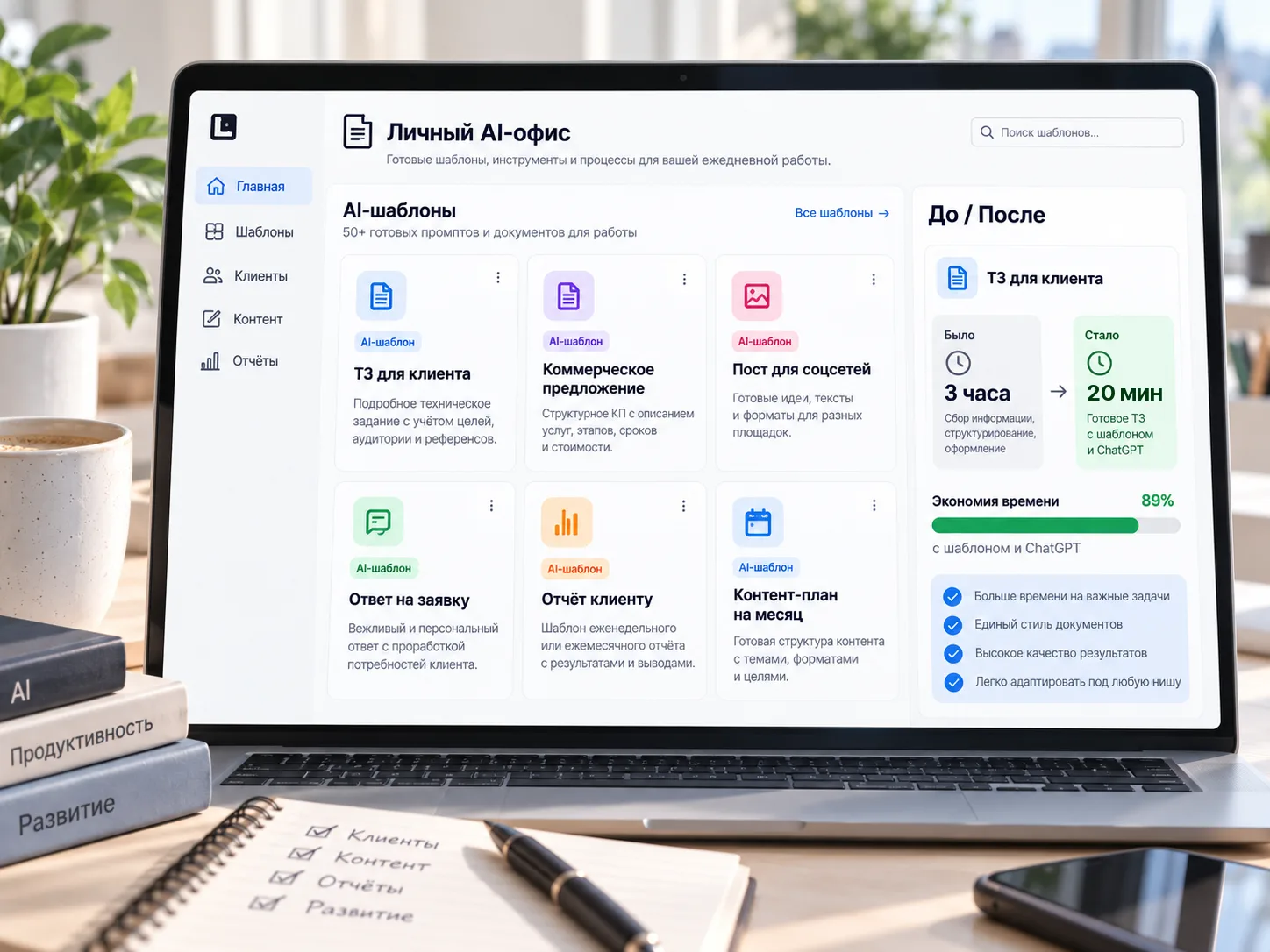
“Your personal AI office”
For freelancers and specialists
- An automated workplace: content generated in your own style
- A library of smart templates: tasks done three to five times faster
- A new kind of portfolio: a case study on putting AI to work
At your own pace, but with marking and feedback
-
Recorded video lectures
Watch them in your account at your own pace and come back to a lesson whenever you need.
-
Practice on real tasks
Every module sets an exercise on your own project, not an abstract drill.
-
Reviews and mentor support
OnStudy mentors check your work and go through your mistakes with you personally.
-
A final project, presented and defended
You finish with a completed case study for your portfolio and present it to an expert.
A practitioner who puts AI to work every day

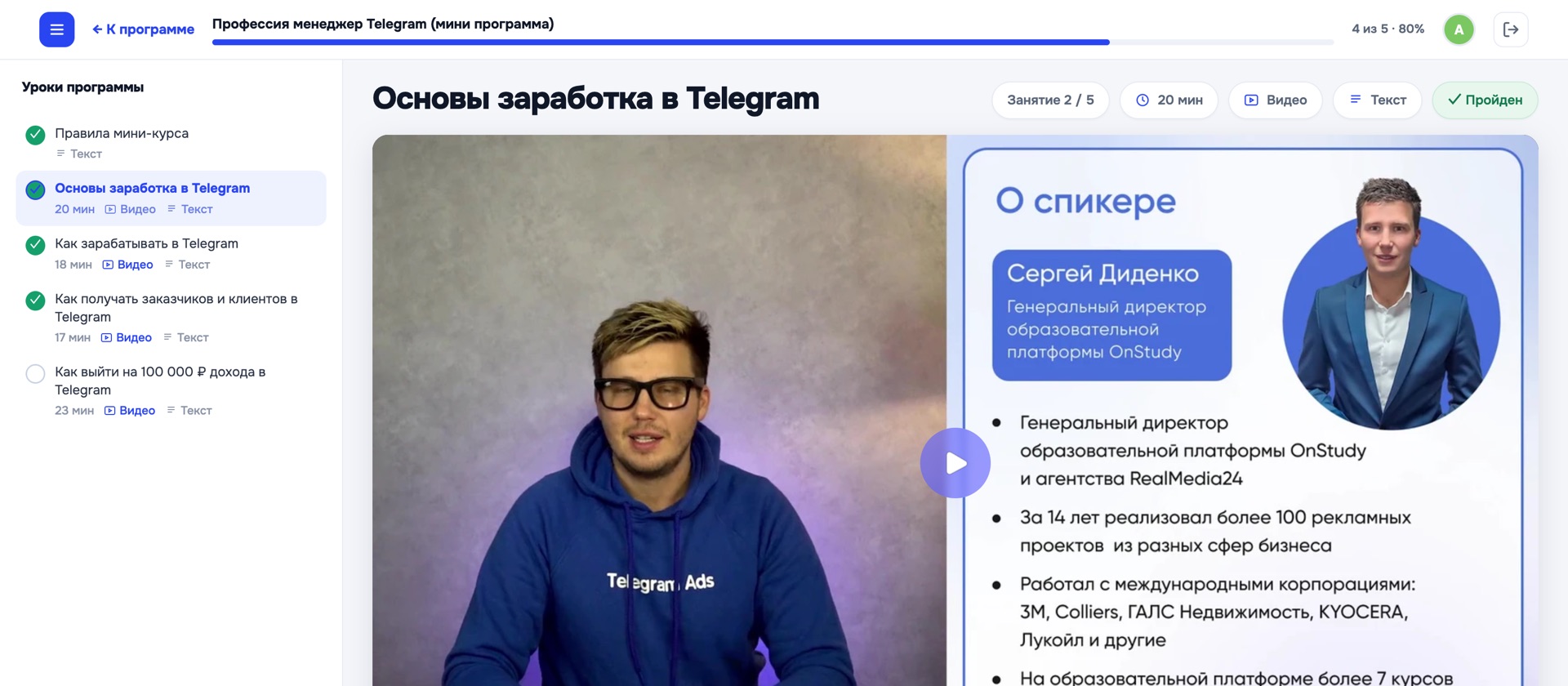
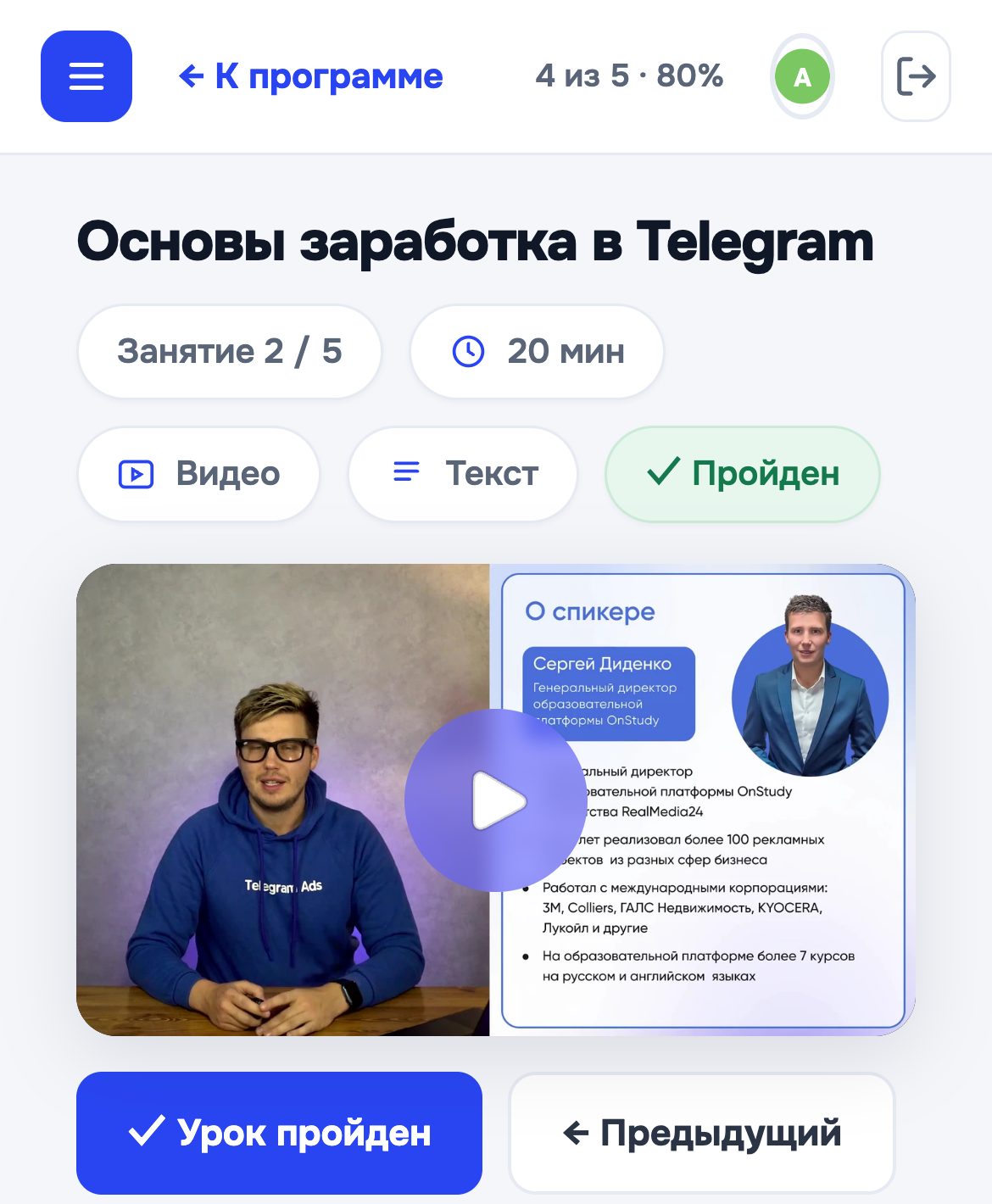
Sergey Didenko
Has taught specialists and business owners since 2016. Puts AI to work in real projects — the agency’s and his students’.
What changes after the programme
Five-star reviews from the OnStudy learning platform, about the school’s programmes. Translated from Russian.

“After this lecture I discovered at least five doors into new spaces.”

“Maria, thank you so much for the course — everything is clear, concise, deep and very interesting.”

“I really enjoyed the training! The programme is built so that you constantly feel support and guidance in your work while also gaining the skills to assess your own experiments.”
«I cut the time to write a client brief from 3 hours to 20 minutes with ChatGPT. Now I take on more work in the same hours.»
«I launched my own AI service for small businesses. The first $580 came a month after the course — with no big investment.»
«I now write exhibition concepts and press texts five times faster. AI has become an everyday tool for me.»
One programme, different levels of support
Access to the recordings and materials is lifetime on every plan.
“AI Freelancer”
- Recordings of every session
- All the materials and the prompt library
- The cohort chat
“AI Specialist: Automator”
- Everything in “AI Freelancer”
- Live sessions twice a week
- A mentor who checks your work
- Group reviews
“Business Architect”
- Everything in “AI Specialist”
- 2 personal sessions with Sergey Didenko
- An AI strategy built for your business
Straight answers
Do I need technical knowledge?
No. The programme is built for people without an IT background — we start from zero.
Do I need the paid ChatGPT, or will the free one do?
We start on the free version, which covers most of the modules. We’ll show you when and why to move to the paid one.
Do I get access to the recordings?
Yes, for good. The recordings and materials stay yours permanently.
How do the live sessions work?
On Zoom, twice a week for 90 minutes: the topic explained, practice, and your questions answered. The recording stays available.
Is there a certificate?
Yes — on completing the course you receive a personal OnStudy certificate.
How much time should I give it?
You study at your own pace. A comfortable rhythm is a few hours a week.
What do I have at the end?
A working AI project, a library of prompts and workflows, and a case study for your portfolio.
Do you offer instalments?
Send us an enquiry and we’ll share the curriculum, the plans and the instalment options.
Send us an enquiry and we’ll share the curriculum and payment options
We’ll tell you about the cohorts, the plans and instalments, and help you choose the track that fits your goal.
- 6 modules, 25 lessons and a library of 50+ prompts
- Lifetime access and a personal certificate
- From $179
 WhatsApp
 Telegram
 I have a question

