 All Programs


Accountants and economists
Learn to use functions and build reports, filter large volumes of data and streamline your work.

 Message us

A case-based programme for people who need something that actually works. We teach the software through real cases.

Send a request and ask about the discount of up to 60% plus gifts from our partners
If you work with data and want to automate the routine, this programme covers what you need.
Learn to use functions and build reports, filter large volumes of data and streamline your work.

Plan sales, compare campaign performance and build forecasts from your data.

Work out project margins and asset values, and forecast how the business will grow.
Six practical skills you can start using at work while still studying.
Combined formulas and functions on real data.

Charts, pivot tables and visualisations for management.

Handling large volumes of data, filters and forecasts.

Combined formulas and functions plus keyboard shortcuts, so work gets done fast.
A range of chart types (Gantt charts included), grouping, and reports management can read.
Process arrays of data and model outcomes under different conditions.
Analyse data without copying it again and again, and refresh workbooks automatically.
Your own functions for unusual tasks, and pulling data across from Google services.
Set up filtering so you see only the data you need right now.
Working confidently with data takes more than knowing formulas: you need to understand how spreadsheets think, automate the routine and present results well.
Every lesson is hands-on. You follow the tutor step by step, working on real files.
With data prepared specifically for that lesson.
Work in the file as the video plays, following the tutor step by step.
Against the tutor's finished file, and fix anything that went wrong.
Complete the assignments and put what you learn to use every day.

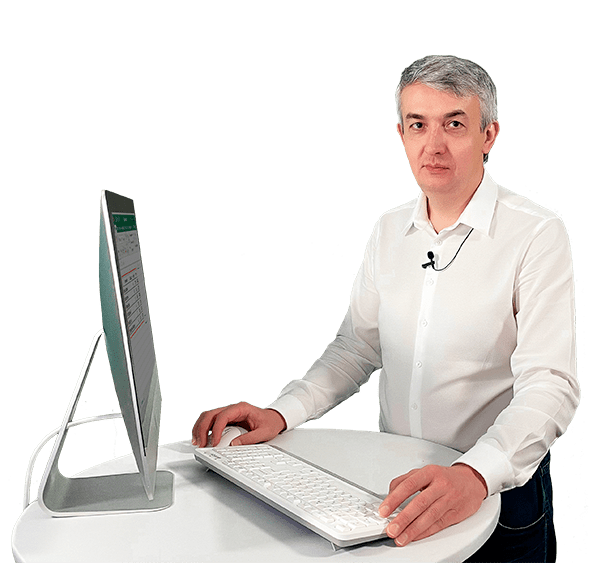
A top-tier specialist with more than ten years of working in Excel and Google Sheets — and of teaching them.
A full programme of lectures, quizzes and practical assignments. A few of the 49-plus modules are shown below.
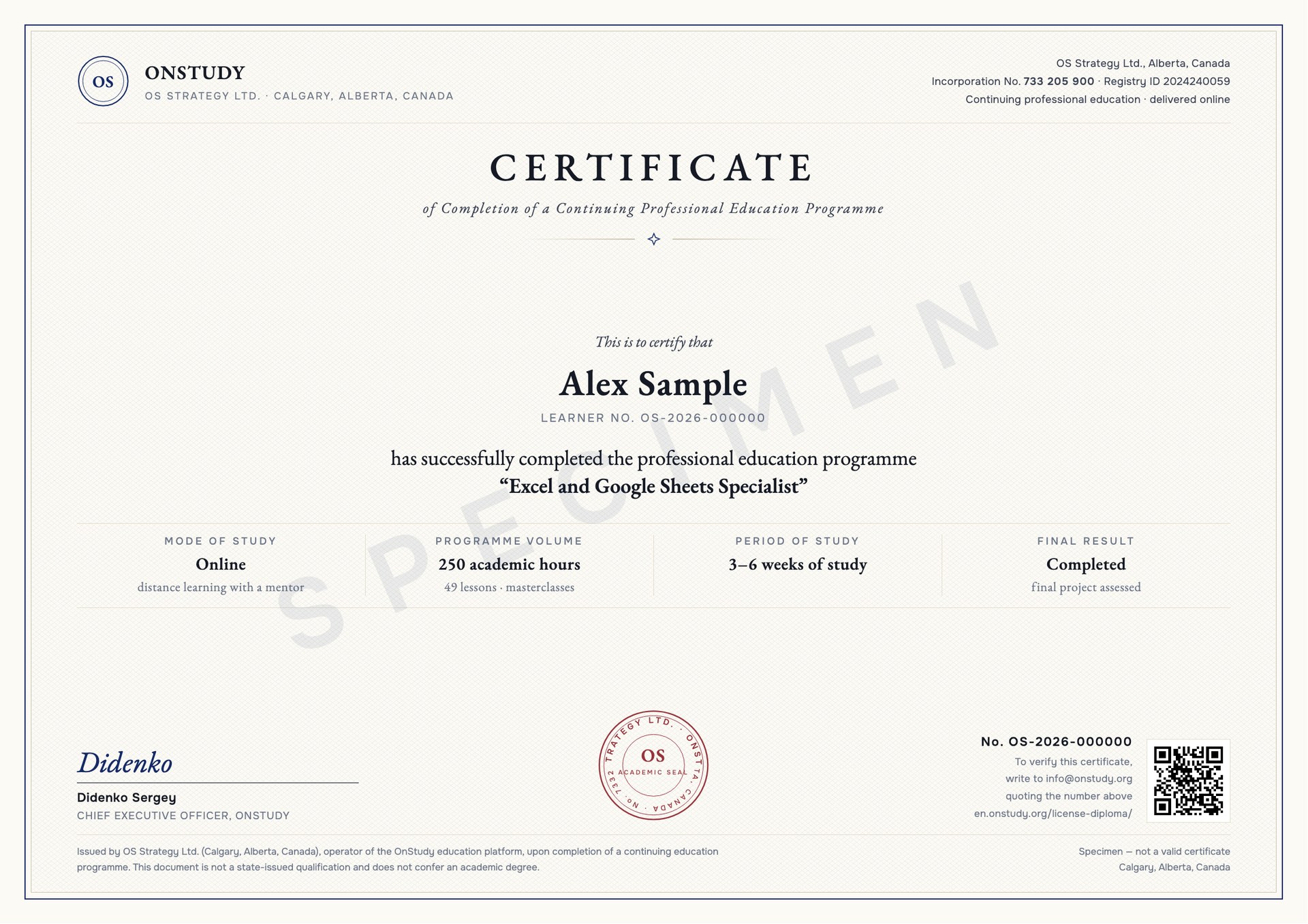
On completing the programme you receive an OnStudy Certificate of Completion, issued by OS Strategy Ltd. (Alberta, Canada), which you can show an employer.
The course runs on our own platform. From the first lesson you are automating spreadsheet work, with no surplus theory.
Video lessons, quizzes and assignments in one place. Your progress syncs across devices, so you can study from a computer, tablet or phone.

Every lesson is followed by practice on real files. Your mentor checks the work and helps you fix mistakes.


Ask questions, discuss assignments and get support from tutors and fellow students in the group chat.
This way of studying does not shut you off from other people — you can always share an idea, ask for advice, or talk through your progress with people on the same path and with your mentors.
Every student gets our support: a session with an HR specialist on finding work and building a career.

Excel opened up a whole world I had no idea existed. Building reports with formulas and variables no longer feels impossible. Thank you.
I work as an economist and often need complex calculations at short notice. After this programme I can write multi-level formulas, put pivot tables together quickly, and I picked up a pile of shortcuts.
Clear, engaging and easy to follow. Konstantin went through every Excel tool, including everything new up to 2019. As an executive assistant I found it genuinely valuable. Thank you.
Of course. If you keep up with the assignments you will get there even with no prior knowledge. Experienced mentors guide you through the whole programme.
You work through the material whenever suits you, at your own pace. Every lesson stays available after the programme ends, permanently. It fits comfortably around work, study and family life.
That is entirely up to you. On average students spend three to five hours a week.
Pay by card, in interest-free instalments, or from a company account. Ask our support manager about instalment details — we will help you arrange it.
 About the school in 15 seconds

 WhatsApp
 Telegram
 I have a question
